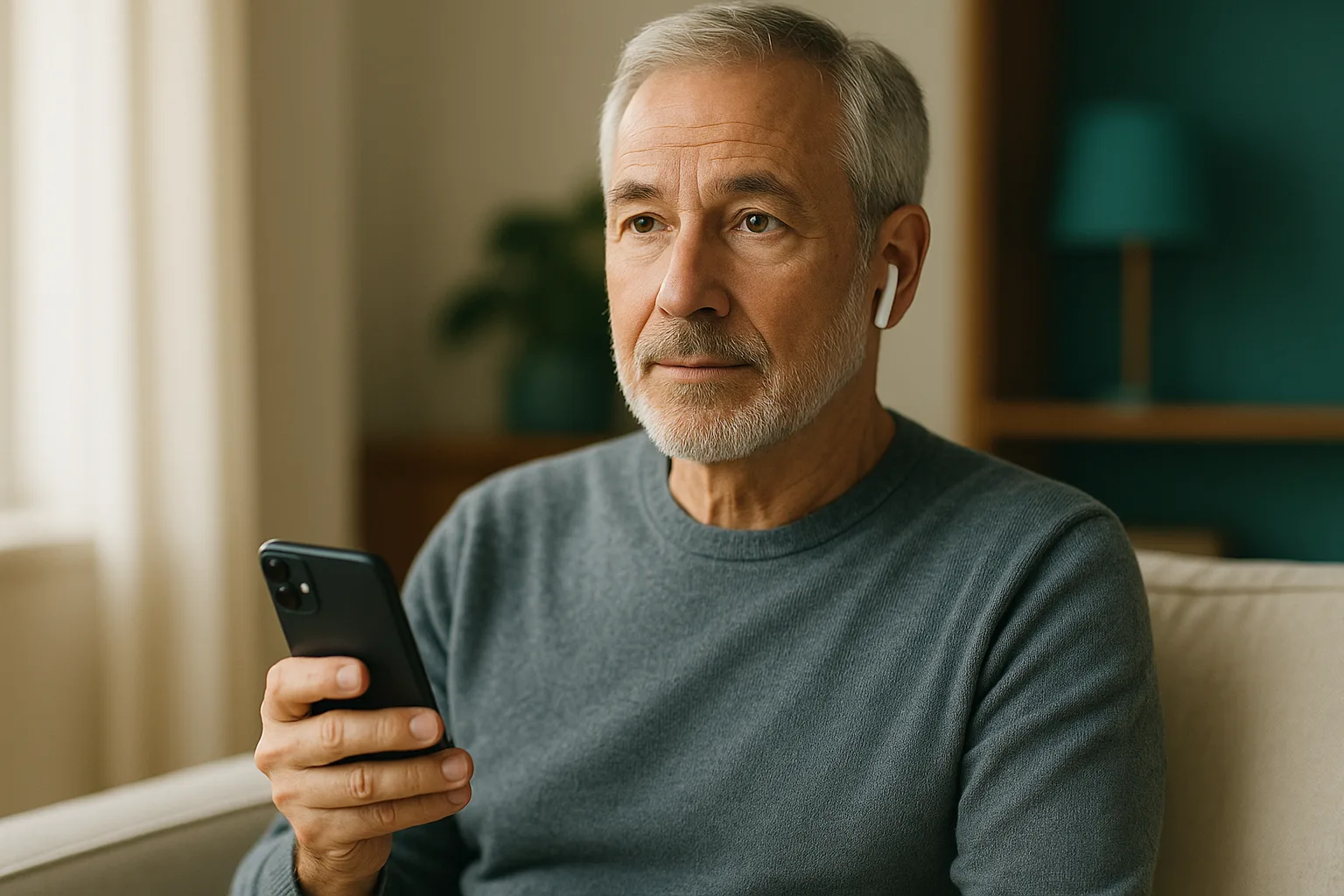

What is your Screening Number?
A simple 5-minute hearing screening to find your Screening Number and track your hearing health.
Hearing Help & Information
iHEARtest is a free screening tool from OTCHealth. OTCHealth also sells the iHEAR TReO personal sound amplifier in the Shop section; purchases help support the app.
iHEARtest is a hearing screening tool, not a diagnostic test. For a complete evaluation, consult a licensed hearing professional.
v1.6.0-web-demo
Before you begin
Please confirm the following:
Who are you testing today?
No headphones? That's OK. Pick "No headphones" on the next screen for a phone-speaker test.
Check all three boxes to continue.Headphone setup
Which headphones are you using? This helps us calibrate the test for your gear.
Calibrate your volume
We're going to play two sounds and ask you to set your iPhone volume so they're equally loud. This helps keep the self-check volume more consistent for the selected setup.
Which side did you hear it on?
We'll play a short tone to one ear. Tap the side you heard it on. This catches reversed headphone cables before the test.
Checking your environment
Measuring background noise...
Phone microphones are approximate. Readings are estimates only.
A quick 10-question check-in
Your test result shows how softly you detected tones. These 10 questions tell us how your hearing affects your daily life. We'll compare the two on your results page.
Your Results
Take the test to see your Screening Number.
What does my Screening Number mean?
Your Screening Number is a 0-to-100 self-check summary based on how softly you detected several tones in each ear. Lower numbers mean softer tones were detected.
Lower (0-24). No major listening difficulty appeared in this screening. Mid-lower (25-39). Some softer sounds were harder to hear. Middle (40-55). Some conversational sounds were harder to hear. Higher (56-89). Many sounds were difficult to hear. Highest (90+). Most sounds were difficult to hear.
These are screening ranges only, not diagnostic categories or a treatment recommendation. Unexpected results can be repeated in a quiet place with the same headphones. If you remain concerned, consult a licensed hearing professional.
Hearing Profile
Recommended for you
iHEARtest is a hearing screening tool, not a diagnostic test. For a complete hearing evaluation, consult a licensed hearing professional.
Support and professional follow-up
This screening suggests you may have had difficulty hearing some sounds. A licensed hearing professional can provide a full evaluation and discuss options if you want more information.
Call (800) 864-4337Mon-Fri 9am-6pm ET · English & Español
This screening is a general self-check and not a diagnosis. It is not intended to diagnose, treat, cure, or prevent any condition. If you are concerned about your hearing, consult a licensed hearing professional.
Your Screening History
Compare completed self-checks over time.
Small changes from test to test are normal. Your environment, headphone fit, and time of day can all shift the number. If you notice a large or unexpected change, retest in a quiet space or talk with a hearing professional.
Test History
"PTA" below is your Pure Tone Average, the average loudness needed to hear across key frequencies in each ear. Lower is better, same as your Screening Number.
Achievements
Hearing health, decoded
Plain-language hearing-health articles. See for our named reviewer, methodology, regulatory status, and limitations.
Hearing Tools
Your Household
Track hearing for everyone in the family.
Self-check results stay on this device unless you explicitly export or share them.
Caregiver Dashboard
Keep an eye on hearing for the people you care for. Tap a person to see their results.
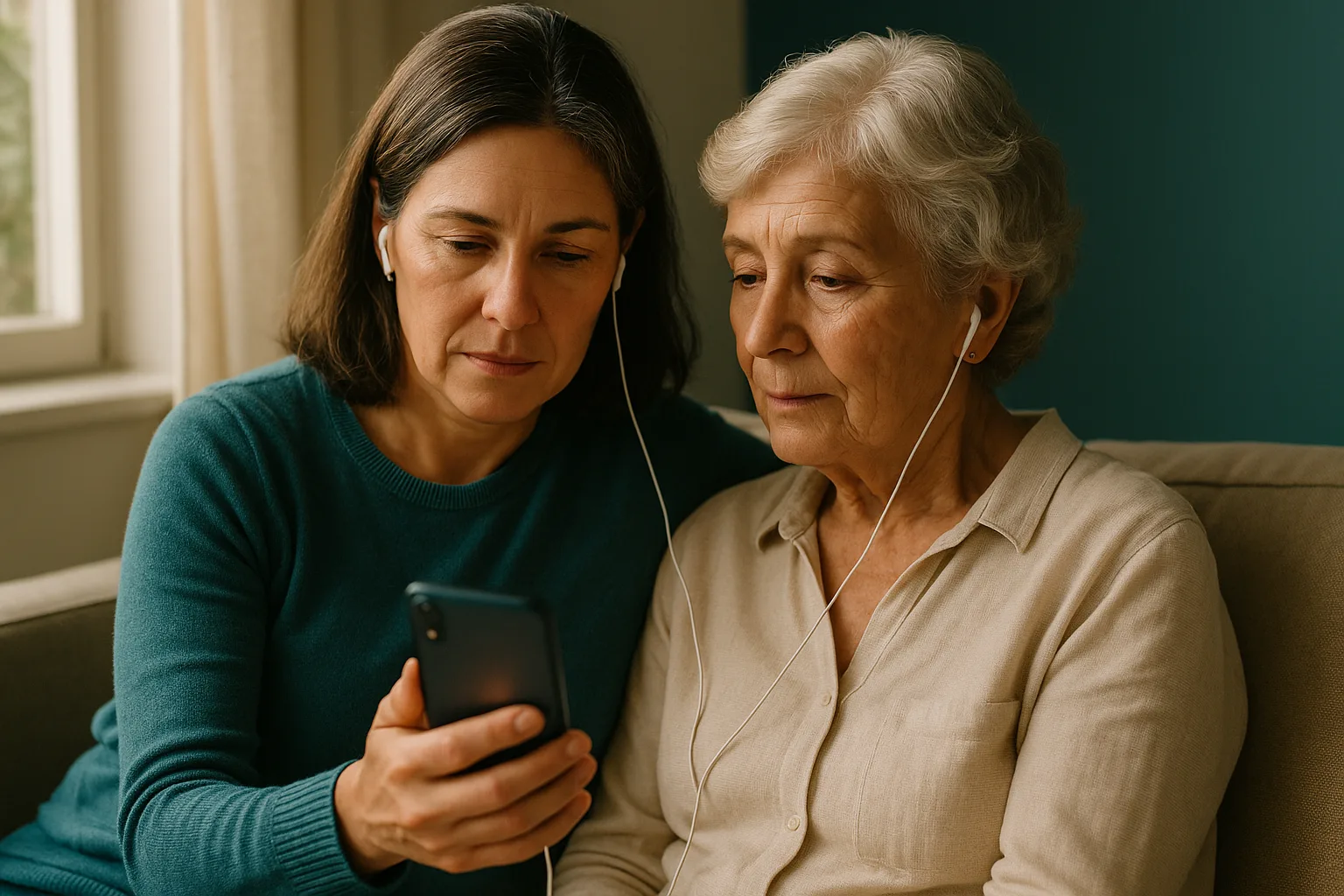
Add Family Member
Hear the moments you choose more clearly
For television, dinner, meetings, lectures, and other situations where you want a little more sound.
iHEAR TReO
Comfortable listening support with simple controls and standard size 312 batteries for everyday situations.
Want help choosing a next step?
Call OTCHealth and we will help you understand the available options.
Call (800) 864-4337Mon-Fri 9am-6pm ET · English & Español
Compare simplified sound filters
Put on headphones, choose an illustrative filter or load your own self-check values, and compare the sample with the filter off and on.
1. Choose an illustrative filter
2. Choose audio source
3. Listen and compare
Decibel Meter
Estimate relative sound level with your phone microphone. Do not use this feature for hearing-safety decisions.
Tinnitus Masking Sounds
Pick a sound to play. All sounds are synthesized on-device. Every loop is mathematically seamless, with no clicks at the loop point.
Sound library
Volume
Sleep Timer
Audio fades out over the last 30 seconds so the silence doesn't startle you awake.
Playback pauses when iHEARtest leaves the foreground or the screen locks. Keep the app open while you listen.
Understanding Words in Noise
A "real-world" hearing test. We play a single word at the same time as background noise, and you tap which word you heard. Your Speech-to-Noise Ratio (SNR) tells you how much louder speech has to be than noise for you to understand it.
What SNR means:
- SNR +10 dB: speech is 10 dB louder than the noise (easy, like a quiet living room with the TV on)
- SNR +5 dB: slightly louder (typical home conversation)
- SNR 0 dB: speech and noise equally loud (busy office)
- SNR -5 dB: noise louder than speech (restaurant, party)
Most people with normal hearing can still understand words down to about SNR 0. Difficulty hearing at SNR +5 or higher often means hearing-in-noise loss even if your tone test looks fine.
Choose difficulty
Which word did you hear?
Word-in-Noise Result
Hearing Glossary
Plain-English definitions for hearing terms.
Settings
Browse the app
Account
Appearance
Language
Caring for someone else
Hearing aid care
Sound & feedback
Notifications
Privacy
Beta
Display
Privacy & Legal
About
Contact OTCHealth support
About iHEARtest
Who builds this, how it works, what it can and can't do.
Who makes iHEARtest
iHEARtest is published by OTCHealth, the digital health brand of InnerScope Hearing Technologies (Nasdaq OTC: INND), a hearing device company with over a decade of experience manufacturing hearing products. OTCHealth also sells over-the-counter hearing devices through the in-app Shop and at otchealthmart.com. The screening result you see is the same whether or not you visit the Shop.
How we make money
The screening tool is free. Devices in the Shop tab are how we pay for it, a disclosed commercial relationship. The speech-in-noise practice is also free and does not require a subscription. The screening result you see is the same whether or not you ever visit the Shop tab.

The family behind iHEARtest
The Moore family has been in the hearing business since the 1940s. Across three generations, we've helped over 500,000 people with their hearing. iHEARtest brings that experience to your phone.
With more than 35 years of hands-on experience in hearing care, Mark Moore built and operated more than 70 hearing clinics across the United States and personally fit over 10,000 people with hearing devices. Mark reviews iHEARtest's screening method and content, and validates every public release of the app. Mark is second-generation; founder Matt Moore is third.
A broader Medical Advisory Board (including an audiologist and otolaryngologist, MD) is in recruitment. Those names will be published here when confirmed. Until then, Mark Moore is the named reviewer for all content.
Methodology & sources
- Screening Number (0-100): Based on how softly several tones were detected in both ears during this self-check. The design is informed by the Johns Hopkins "Hearing Number" public-health framework (Lin et al., 2021), but it is not equivalent to calibrated clinical testing.
- HHIE-S questionnaire: Hearing Handicap Inventory for the Elderly, Screening version, 10 items, Ventry & Weinstein, 1983. Used as a self-report complement to the tone-threshold test.
- Word-in-Noise: Closed-set word recognition in speech-shaped noise across fixed SNR levels. Not a substitute for a clinic-administered QuickSIN or HINT test.
- Decibel Meter: Reads the phone microphone's A-weighted level. Phone microphones are not calibrated to a known SPL reference; readings are approximate (typically ±5 dB on iPhone, more variance on Android). Do not use for OSHA-compliant noise monitoring.
- Volume calibration: Loudness-match between a 1 kHz reference tone and a speech-band anchor (Mimi-style), to normalize playback level across devices and headphones before the audiometry test.
Single-ear test methodology
iHEARtest measures each ear separately using headphones. It does not apply contralateral masking (narrow-band masking noise in the non-test ear), which is the standard clinical technique for separating one ear's threshold from the other when hearing is asymmetric. This means the test is suitable for screening symmetric hearing loss but may overestimate thresholds in the better ear when one ear has a substantially worse loss than the other. For users with suspected asymmetric loss, sudden one-sided hearing change, or a meaningful left-vs-right difference on this screening, see a licensed audiologist for masked threshold testing.
FDA regulatory status
iHEARtest is a general wellness / hearing screening tool. It is not an FDA-cleared diagnostic audiometer and is not a Software as a Medical Device (SaMD) under 21 CFR 880. It does not diagnose hearing loss, prescribe hearing aids, or replace a clinical audiologic evaluation. Results are intended to help you decide whether to seek a professional evaluation.
Known limitations
- Test-retest variability: Self-administered tone audiometry on consumer headphones typically varies by ±5 to ±10 dB between sessions, more in noisy rooms or with poor headphone seal. A single change of 5 dB on retest is usually within normal variability, not a real shift.
- Headphone calibration: Calibration profiles exist for AirPods, EarPods, generic over-ear, and generic earbuds. Other headphones use a generic profile that may bias thresholds by 5-15 dB.
- Ambient noise: Room noise above ~35 dB SPL elevates low-frequency thresholds. The app does not actively reject noisy environments.
- No masking: See "Single-ear test methodology" above.
- No bone conduction: Cannot distinguish sensorineural from conductive loss. A clinic test can.
- Cognitive/dementia claims: Hearing loss is statistically associated with higher dementia risk (Livingston/Lancet Commission, 2024), and the 2023 ACHIEVE trial showed hearing aids reduced cognitive decline in higher-risk older adults but not in the general population. iHEARtest and OTCHealth do not claim that any app, hearing aid, or other product prevents dementia.
Project history
OTCHealth's hearing-care line traces back to the Moore family, three generations and 80+ years of practice in hearing care. That history is the company's heritage; it is not a substitute for the medical-advisor credentials listed above, which is why we list both.
Open source
iHEARtest is built with open-source software.
Open Source Licenses
Every third-party package shipped inside the iHEARtest app, grouped by license.
MIT License (16 packages)
- @capacitor/android
- @capacitor/app
- @capacitor/browser
- @capacitor/cli
- @capacitor/core
- @capacitor/haptics
- @capacitor/ios
- @capacitor/local-notifications
- @capacitor/preferences
- @capacitor/push-notifications
- @capacitor/screen-reader
- @capacitor/share
- @capacitor/splash-screen
- @capacitor/status-bar
- @capgo/capacitor-in-app-review
- jspdf
Mozilla Public License 2.0 (7 packages)
- @capgo/capacitor-keep-awake
- @capgo/capacitor-mute
- @capgo/capacitor-privacy-screen
- @capgo/capacitor-updater
- @capgo/capacitor-video-player
- @capgo/capacitor-webview-crash
- @capgo/capacitor-webview-guardian
This list covers runtime dependencies shipped in the app bundle. Build-time-only tooling (e.g. TypeScript, Vitest, Playwright) is not included since it never ships to your device. None of the above have been modified from their published source.
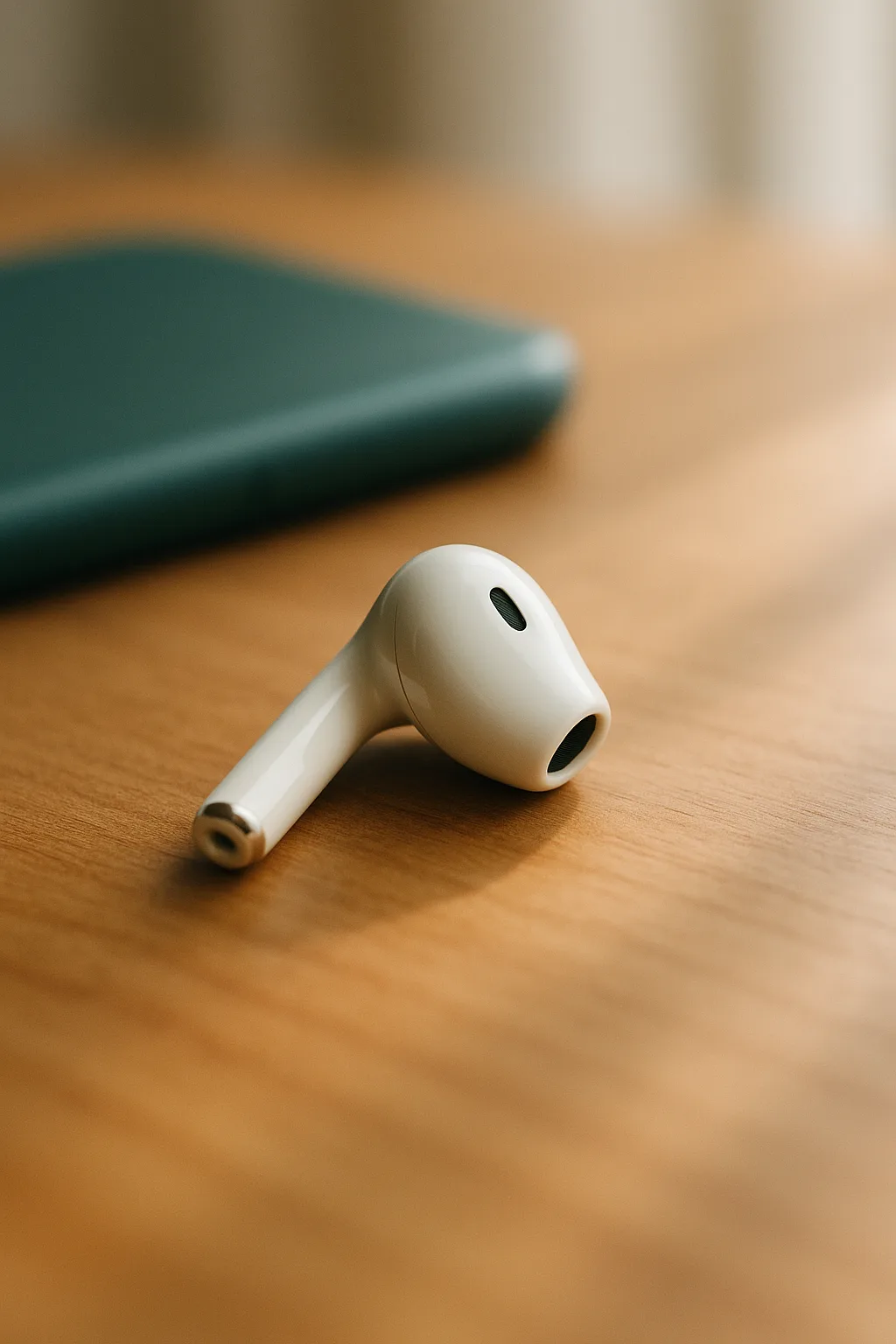
Practice listening in background noise
A free, repeatable exercise for practicing word recognition in background noise.
- About 10 minutes. Listen for a word and choose what you heard.
- Adapts as you answer. The background noise gets easier or harder during the exercise.
- Tracks this exercise on this device. No subscription or purchase is required.
This practice exercise is not a diagnosis and does not replace a professional hearing evaluation.